Showing posts with label tech. Show all posts

Wednesday, 5 February 2014

7 Useful Add-Ons


There are numerous great Add-ons available, so it's difficult to choose just a few good ones. These ones I've found to be fairly useful, making life a bit easier and increasing productivity.


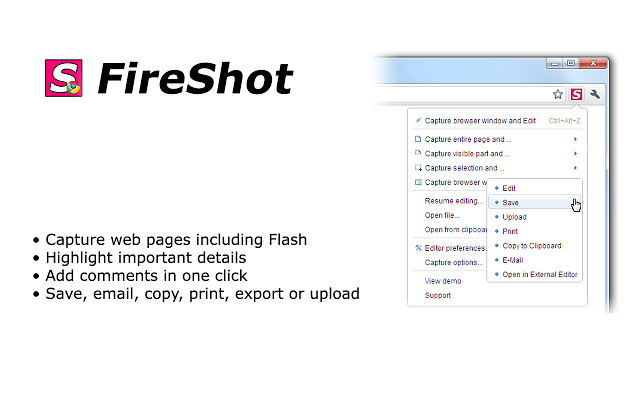
Fireshot allows you to save screenshots of webpages to your computer. Useful for saving information for offline use.
While on a webpage, by clicking on the Fireshot icon on the top right of your browser, you can crop and edit the screenshot, then save it to your computer. By saving your preferences, you can set it to make the process much quicker, good for gathering information quickly.
It allows you to save the captures as pdfs or images, edit and annotate the images, email them, and upload them to sites such as Twitter, Picassa, Flickr and Image Shack.


Multirow Bookmarks Toolbar Plus
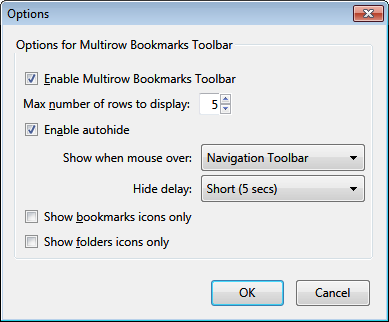
This Add-On allows you to hide your bookmark names by just displaying the icon, and to auto-hide the toolbar. It also for, as the name suggests, multiple rows of bookmarks, good for those who tend to collect a large number of websites.


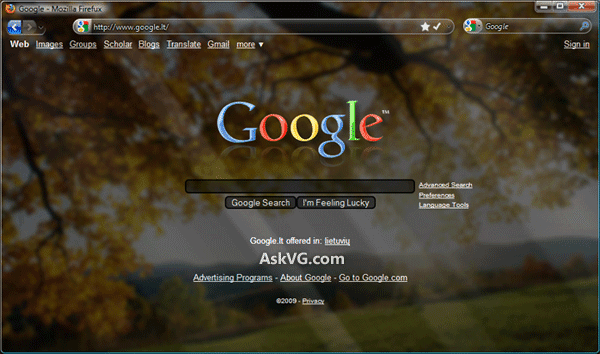
Stylish allows you to 'restyle the web'; to choose new themes for webpages. It supports a number of major websites, such as Google, Facebook, Twitter, Tumblr and Reddit.


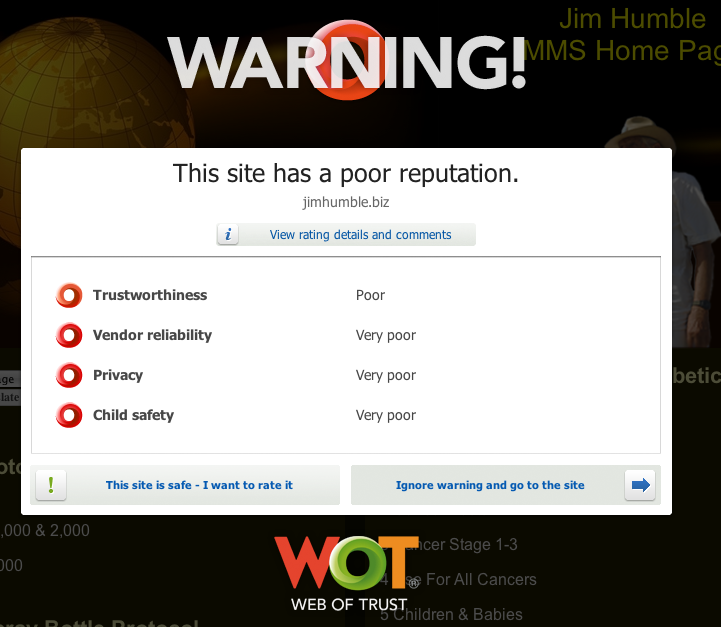
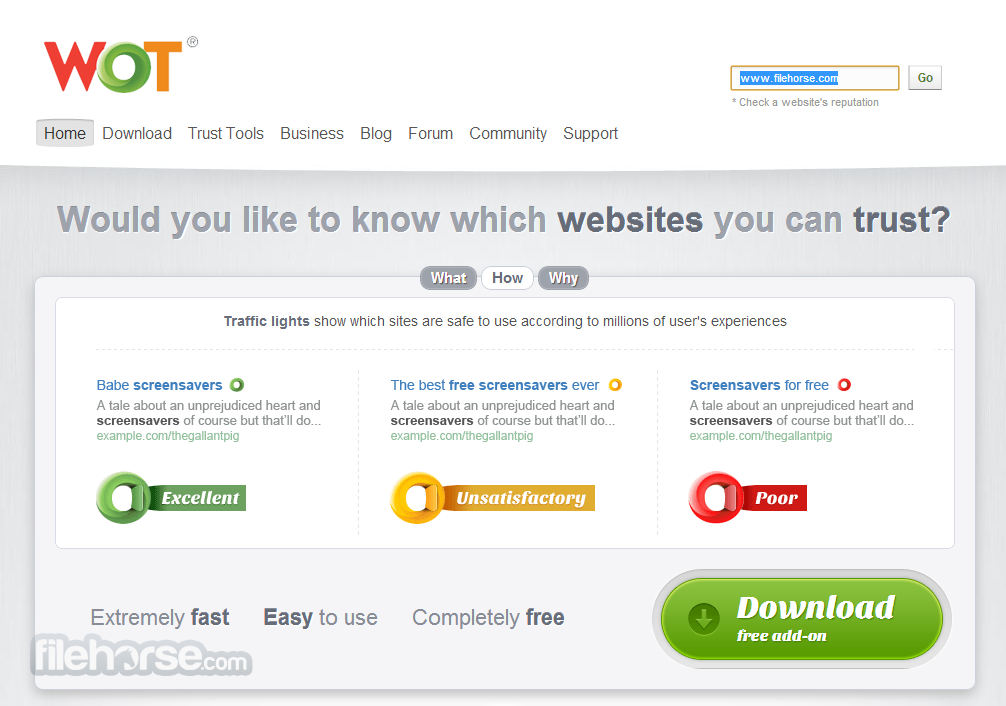
Web of Trust helps you to find trustworthy sites by screening website links and checking the safety of websites you might visit by putting a green circle next to the ones that are okay. Good when encountering suspicious, non descript links as well as for shopping and web browsing and greatly reduces the chance of getting viruses and malware on your computer.


Automatic Save Folder
Saves certain files in specific folders. You can set filters, specifying where to save different file types. For example, you could set jpg and png to the pictures folder, pdf and docx to documents, avi and mpg to videos and mp3 and aac to music.  By setting the filters it cuts the time spent saving files to certain folders by doing these automatically.


Custom New Tab
Opens new tabs to a particular website or url. This add-on can be a solution for opening a new tab to the google homepage.


With this Add-On, by right clicking in a login field you can use a free login. Useful for sites you need a quick login to, or sites you may not use as much.

http://bugmenot.com/


Monday, 21 January 2013

Sulia


Sulia: a fairly hot social network you may have heard of

The latest on pretty much everything. Sulia combines the best of Facebook and Twitter to allow users to follow whatever they want. If you have either Facebook or Twitter you can sign in with one account, and if you have both, add the other later.


Interests are also neatly organized into categories, and the rankings of each article are compiled to determine who is the foremost expert on the network. It also allows users to add their own posts; essentially it is the best of facebook, and twitter, plus it allows anyone to contribute.

The best part: No more photos of people's sandwiches. Unless you subscribe to a sandwich channel.

http://sulia.com/

Wednesday, 28 November 2012

Tubalr


Tubalr (tuba-ler) is a music site which gives users music videos and only music videos (instead of random people singing their own version of songs on Youtube). While that is usually fun, (okay, usually annoying), this will select only the relevant videos for the song.

It's completely free. Free to browse (which you won't need an account for), free to watch.
Making an account will also give you allow you to create custom playlists and ban the songs you don't like. Accounts are also entirely free. The only ads are the ones contained in the videos themselves

About Tubalr

Tubalr is Pronounced: tuba-ler 

 Tubalr is an app that was crafted out of curiosity and passion, Sept 12th 2010. I released it into the wild and have been iterating ever since. I built Tubalr because I kept running across great high quality videos wishing I had a simple app to play those videos back to back, while working or doing other things. - Cody Jack Stewart (founder and creator of Tubalr)


Also, if you're interested, I discovered it in Reddit/music, here

Wednesday, 21 November 2012

The Internet


The Internet. I'm guessing some of you have heard of it. Perhaps you've even been on it before.
If not, I'd highly recommend it.

It's hard to explain how the Internet manages to complete life as we know it.

Here's a brief and slightly inadequate list
1) Games (online games, downloadable games, strategies, shooters)
2) Tons of books (some books from archives are only available to the public digitally)
3) Comics and Memes
4) Music
5) Forums
6) Cats
7) Youtube
8) Cats doing pointless and random things on Youtube
8) Wikipedia
9) Google
10) Free stuff (right?)
And no, stealing things doesn't count as free. That's more "liberated".